
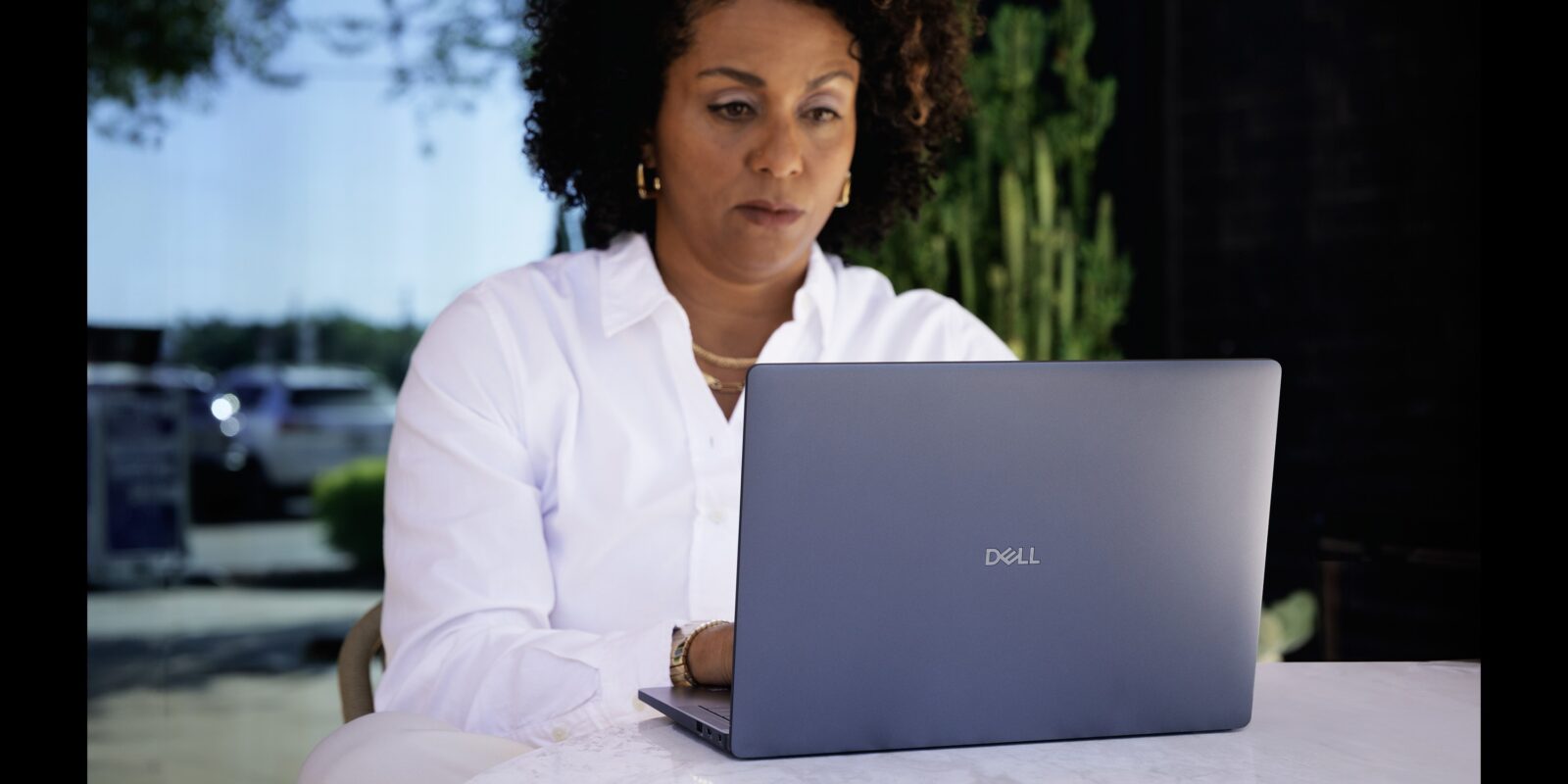
Not every laptop needs to be flashy. Some just need to be dependable. The Dell 14 Premium fits squarely in that lane—a straightforward, no-drama laptop that handles daily tasks with ease. If your checklist includes portability, decent performance, and a screen that won’t strain your eyes, this one’s worth a look.
What You’re Getting
- Reliable build: Feels solid, travels light
- Everyday performance: Great for emails, streaming, and documents
- Ports that matter: USB 3.2, HDMI, SD reader, headphone jack
- Upgradable inside: Easy to boost RAM or swap the drive
- No bloat: Clean Windows install with room to customise
A Look at the Build: Simple but Not Cheap

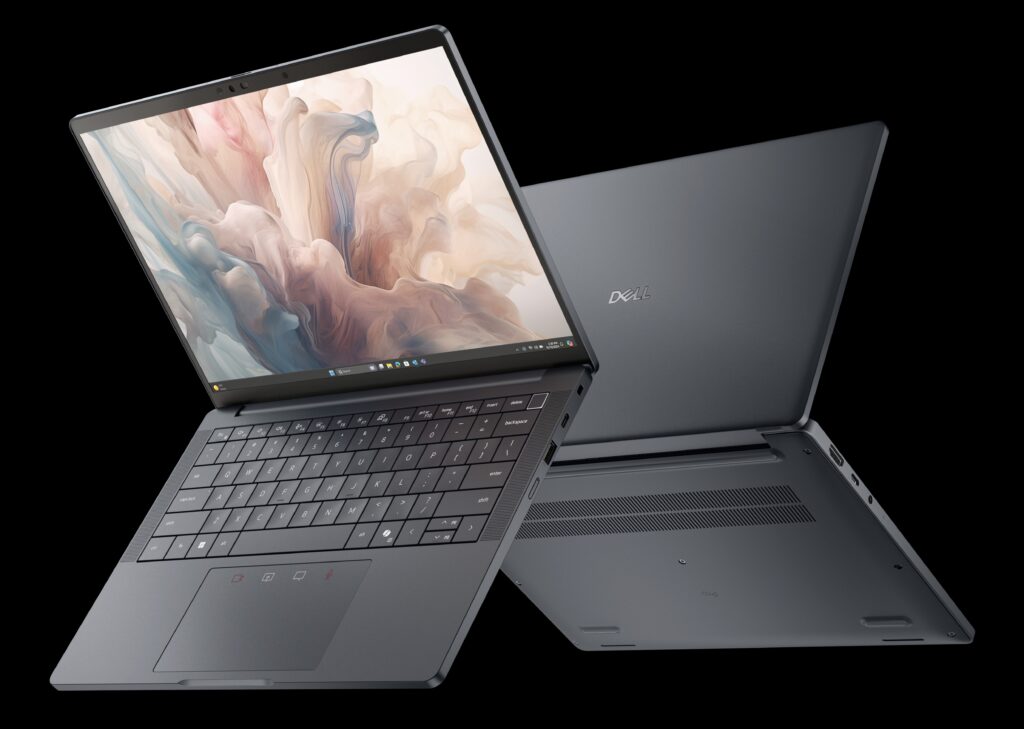
This isn’t a premium metal unibody—and it doesn’t try to be. But the plastic shell is rigid and doesn’t flex under pressure. At just under 4 pounds, it slips easily into a bag. The 14-inch size feels balanced: small enough to carry, big enough to work without squinting.
The screen opens to 180 degrees, useful for sharing the view or adjusting the angle when working on a cramped desk. While you won’t get ultra-thin bezels, the form factor feels modern enough, and Dell’s silver matte finish gives it a clean, understated look.
Everyday Use Feels Snappy, Not Strained

Inside, most models come with an Intel Core i3 or i5, 8GB of RAM, and an SSD. For basic tasks—web browsing, typing, spreadsheets, video calls—it stays responsive without hesitation. Startup is fast. Switching between tabs feels fluid. It doesn’t heat up under light use, and fan noise is minimal.
This isn’t built for editing 4K video or gaming, but if your daily routine is emails, research, or a Netflix tab running in the background, it holds up well.
Keyboard and Display: Gets the Job Done

Typing is comfortable. Key travel is decent, and spacing is familiar. There’s no backlight on entry-level models, but the layout is intuitive. The touchpad responds well, though it’s a standard plastic surface—not glassy, but consistent.
The 14″ HD or FHD screen varies by configuration. Colours are fine for work and streaming, though brightness might struggle under direct sun. Indoors, it holds up without issue.
Battery and Ports: No Surprises, and That’s Good
Expect around 6–8 hours on a full charge, depending on what you’re doing. Charging is quick enough with the standard adapter. Some newer models support USB-C charging, but check specs first.
You get a good mix of ports—USB 3.2, HDMI, headphone jack, and SD card reader. There’s no need to carry extra dongles for basic setups.
Upkeep and Longevity: Built for the Long Haul
Dell made this one upgrade-friendly. You can pop the bottom panel and upgrade storage or memory if needed. That gives this machine a bit more life than some sealed ultrabooks. It also helps if you want to start small and expand later.
The laptop ships with a clean Windows install, no extra junk software bogging it down. Dell’s support tools are preloaded and easy to remove if you don’t need them.
Summary Table
| Strengths | Limitations |
|---|---|
| Lightweight and compact | Display isn’t bright outdoors |
| Fast boot time with SSD | No backlit keyboard (on base models) |
| Plenty of ports for daily use | Not made for heavy workloads |
| Easy to upgrade RAM/storage | Plastic build (sturdy, not premium) |
A Laptop That’s Built to Be Used, Not Shown Off
The Dell 14 Premium doesn’t pretend to be something it’s not. It skips the hype and focuses on what matters for everyday use: solid performance, clean design, and upgrade potential.
It’s ideal for students, home offices, and anyone who wants a laptop that just works—without draining your wallet or needing an IT degree to set up. Not a showpiece. Just a smart, steady pick.
FAQs
Can I upgrade the RAM or storage later?
Yes. Most models have open slots and accessible panels for upgrades.
Is it good for school or remote work?
Absolutely. It handles Google Docs, Zoom, and browsing without issue.
What version of Windows does it come with?
It ships with Windows 11 Home in most current listings.
Can this handle photo or video editing?
Only basic edits. It’s not designed for heavy creative workloads